
Your tax file, wherever you are.
A look inside the app
From your first questions to your next appointment, see the workspace designed around your tax file.
Keep the next step within reach
The parts of tax preparation you handle, brought together in one workspace.
An intake that fits your file
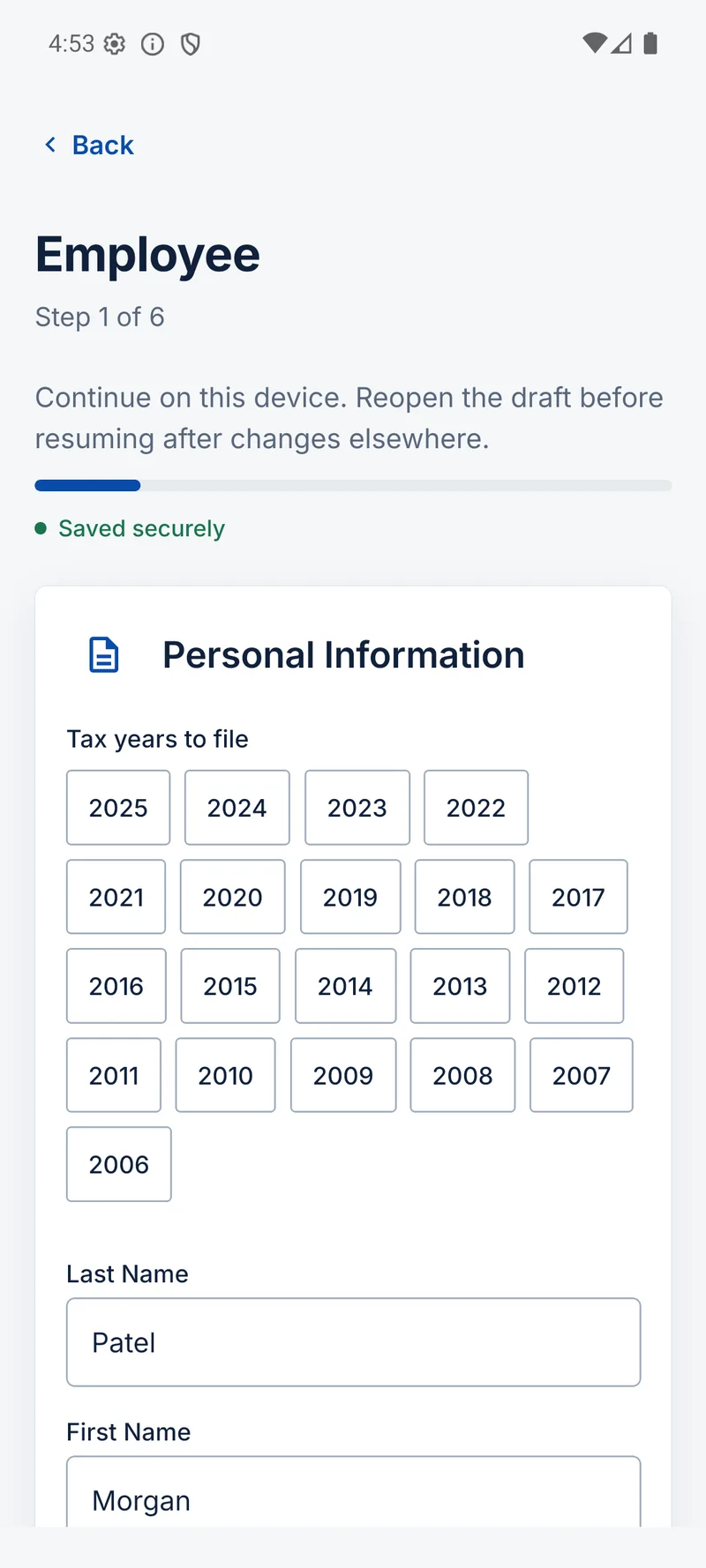
Tell us about your household, income and tax years. Complete the questions that apply to your file and return to your draft when you need to.
Documents in their proper place
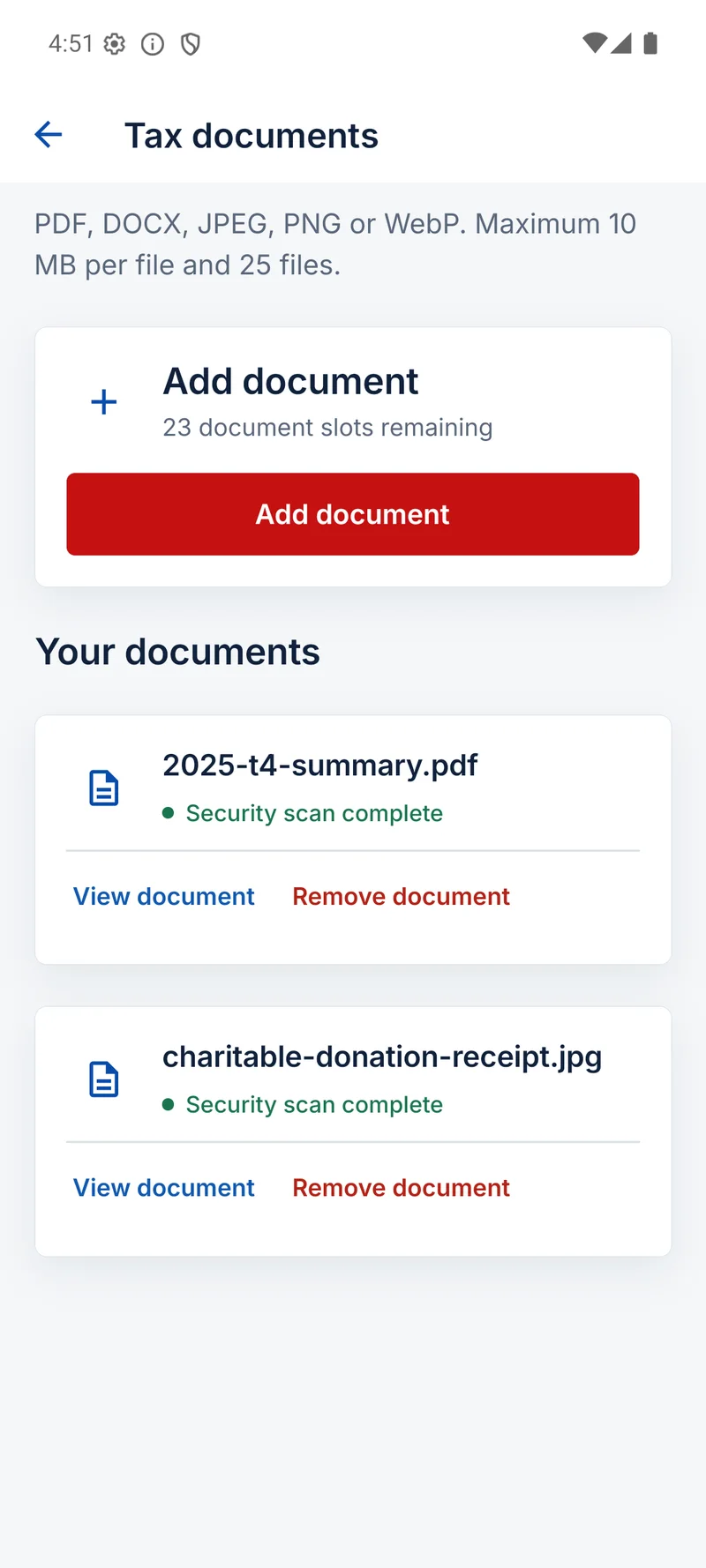
Upload tax slips and supporting documents from your phone. See each file’s scan status and the documents the team still needs in your secure workspace.
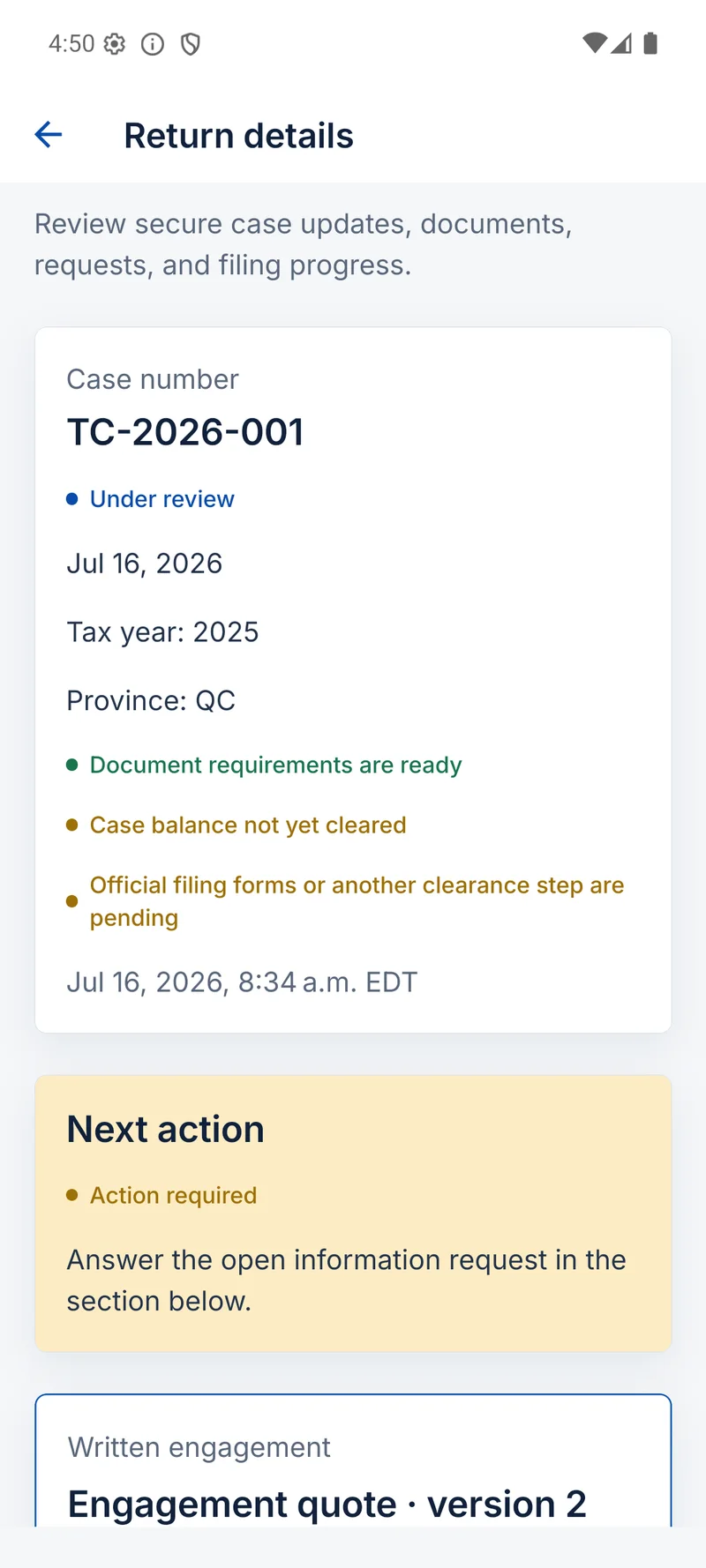
Progress you can follow
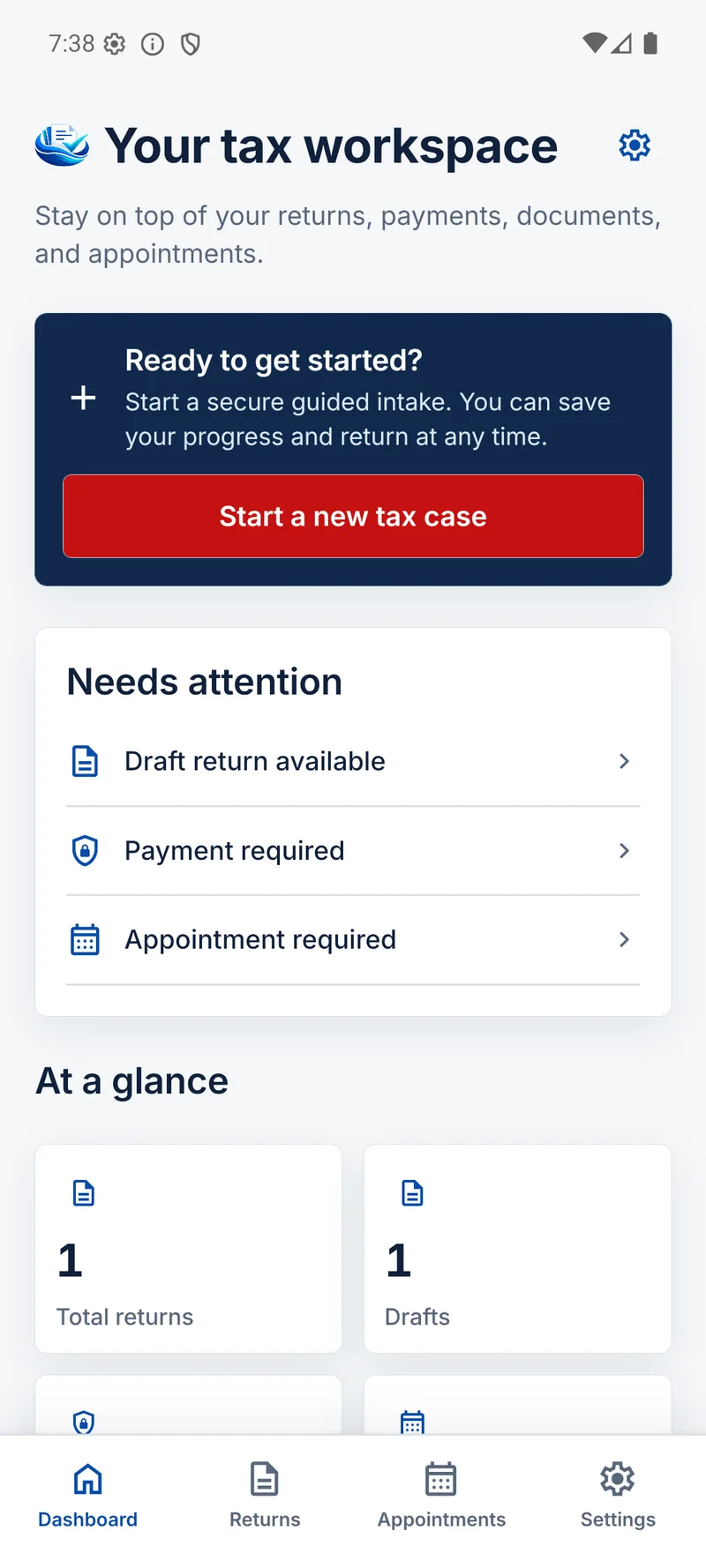
Check your filing progress, read messages and respond to requests for information. Your file shows what needs your attention as the team moves it forward.
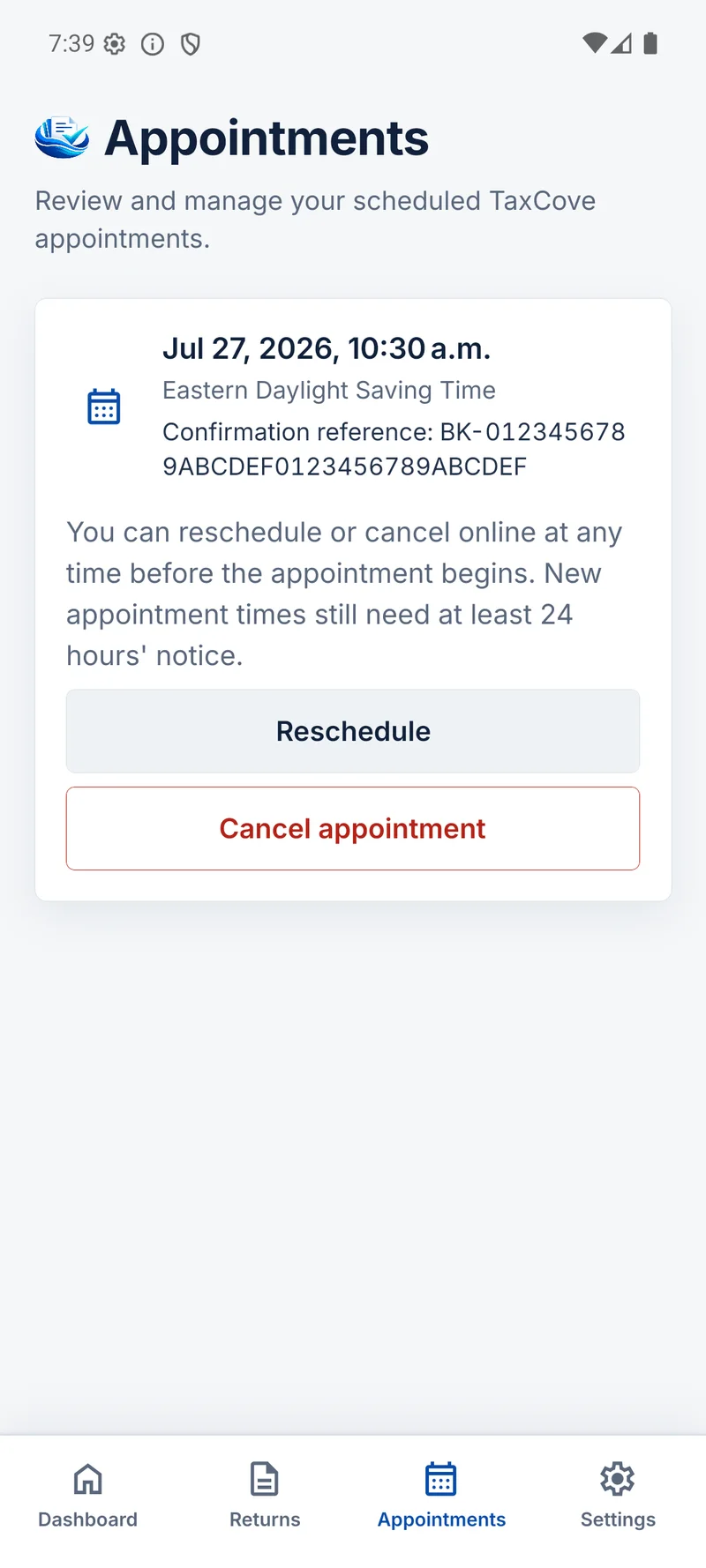
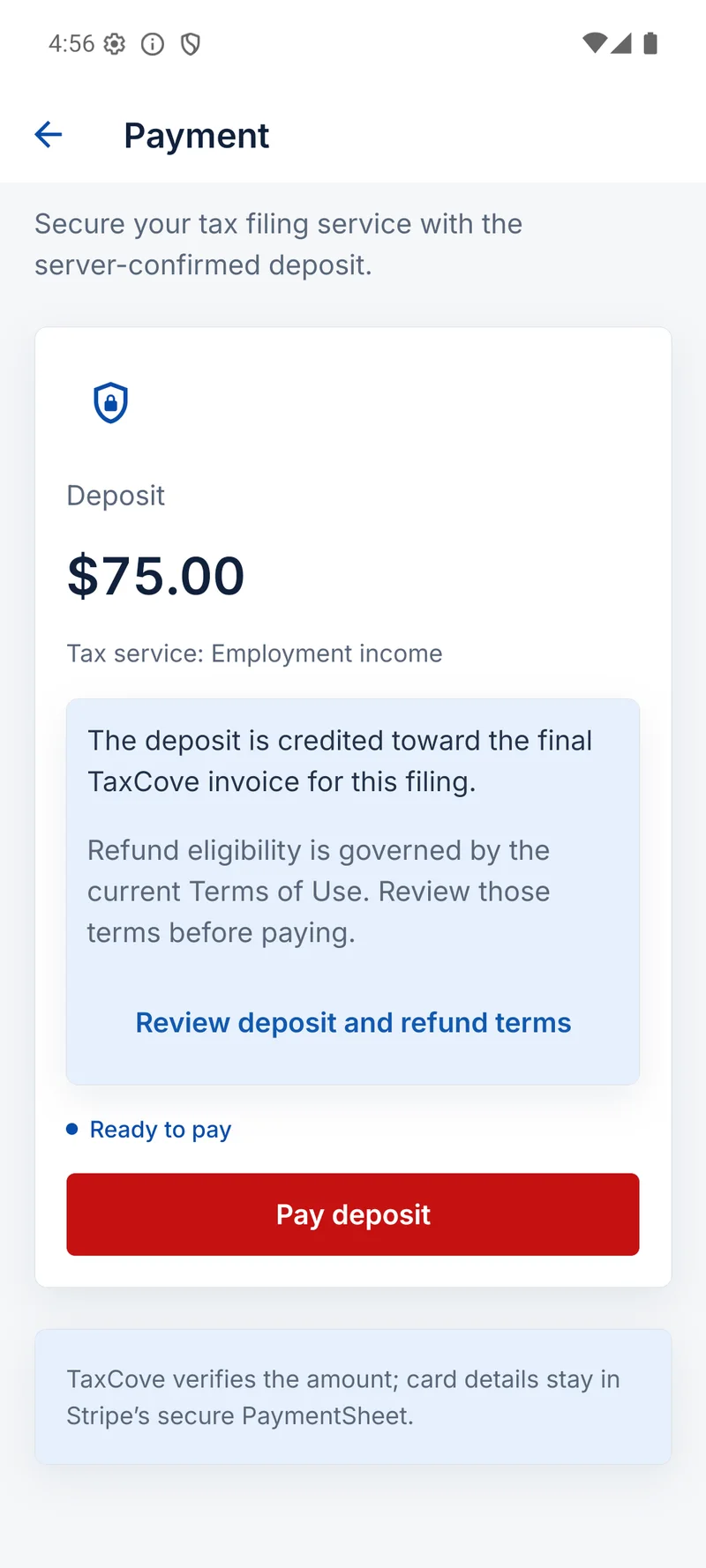
Appointments and payments together
Book an available appointment, see your upcoming meeting and review your invoice. Pay an amount due from your workspace when it is time.
A familiar way to move your file forward
You provide the information. Your TaxCove team handles preparation, review and filing.
Open your TaxCove account
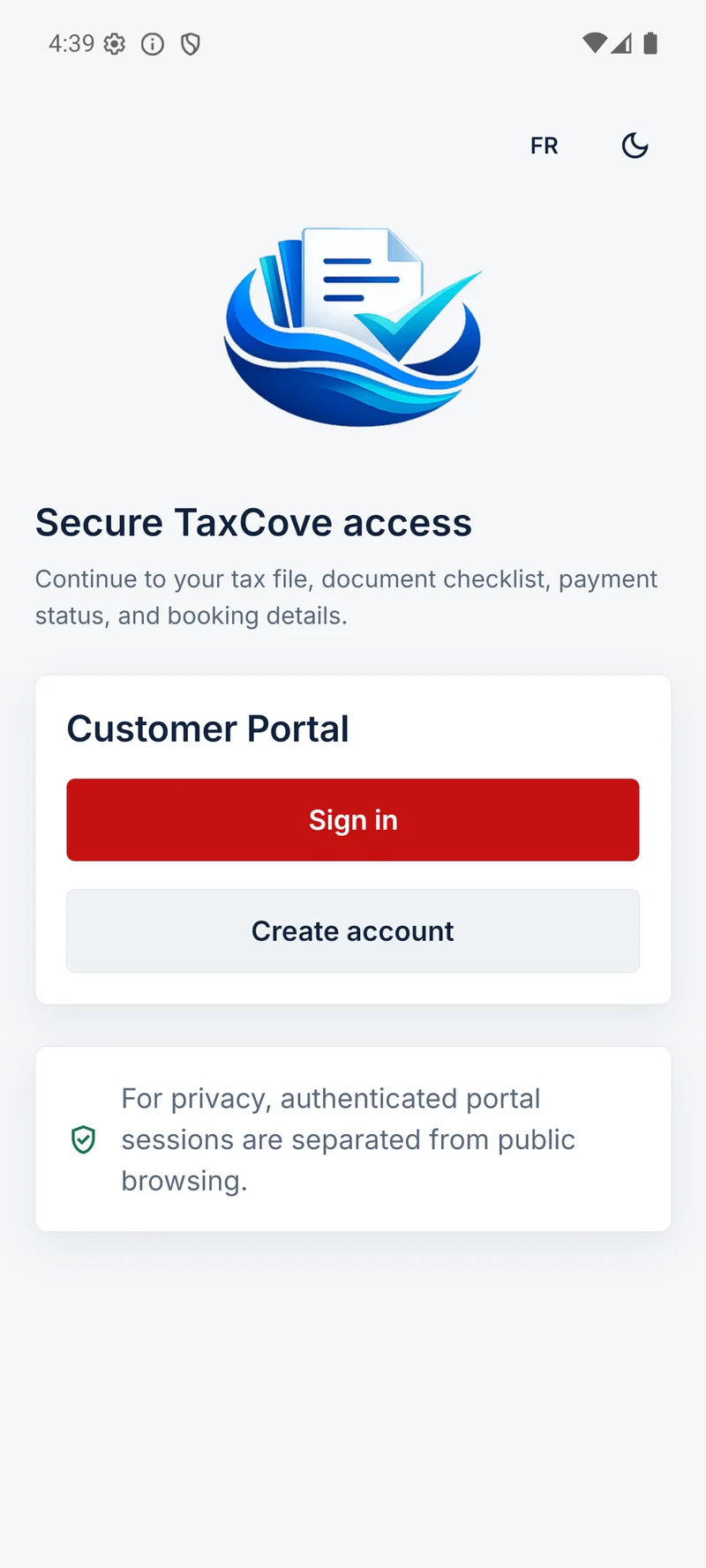
Sign in with your existing account, or start your return online. Your workspace brings your file information together.
Complete your intake and add documents
Answer the questions for your file and upload the supporting records. Follow document requests from the team in the same workspace.
Stay involved as your file progresses
Read updates, respond to the team, review required approvals and keep track of appointments and amounts due. Your next action stays connected to your file.
Before you download
Can I download the mobile app now?
The app is not yet available in the App Store or on Google Play. The store buttons on this page show its coming-soon status. You can already start a return and use the client portal in your browser.
Will I need a separate TaxCove account?
The mobile workspace uses your TaxCove account. If you already have a file with us, use the same account to access your workspace. New clients can start their return online today.
Does the app prepare and file my tax return?
TaxCove’s team prepares, reviews and files your return. The workspace is where you provide information, send documents, follow progress and complete the approvals and payments required for your file.
Can I use TaxCove in English or French?
Yes. The mobile workspace is designed for English and French, including intake, documents and file progress. The web client portal also supports both languages.
What can I use while store downloads are coming soon?
Use TaxCove in your browser. You can start your return online or sign in to your client portal to follow an existing file, upload documents, check appointments and review amounts due.
Your workspace is already available on the web
Start a return or open your existing file from your browser while App Store and Google Play downloads are coming soon.